
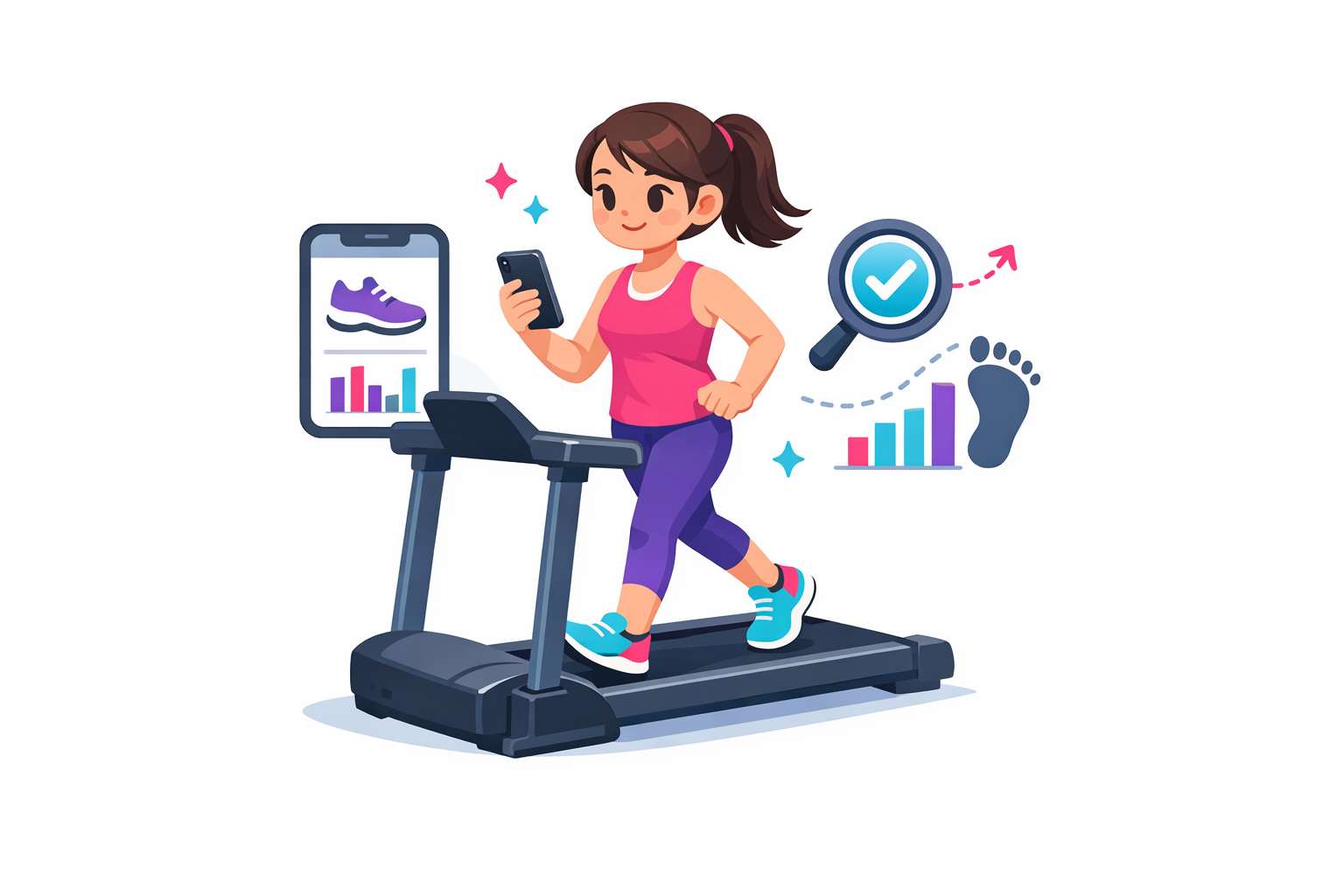

Ever notice your steps tank on the treadmill even though you’re sweating through a solid run? You’re not imagining it. iPhones are pretty good at counting steps outside, then get a little fuzzy when the belt starts moving under you.
This guide is for anyone who uses a treadmill and wants their iPhone numbers to be closer to reality. Maybe you’re training for a race, chasing a step goal, or just like clean data. We’ll translate the tech into plain speak, show quick checks you can run in 10 minutes, and share fixes you can do today.
Quick Comparison
What’s in this Article
- Quick answer
- How your iPhone actually counts steps
- Supplies that make this easier
- FAQ
- Make today’s treadmill workout count
- Want tighter numbers long term?
Success here is not perfect tracking. It’s getting your step count and distance within a reasonable range, staying consistent from session to session, and knowing when to trust the treadmill or bring in a better tool. Think good enough to make decisions, not data that stresses you out.
We’ll look at real factors that change accuracy, like phone placement, arm swing, speed, and incline. We’ll also call out edge cases, like holding the rails or parking your phone on the console. Before you dive in, do this one micro-step: open Settings, tap Privacy & Security, tap Motion & Fitness, then turn on Fitness Tracking and Health. That flips on the iPhone sensors your step count relies on.
Quick answer
What accuracy to expect
On a treadmill, iPhone step counts are usually in the ballpark but not perfect. You’ll often see errors around 5 to 15 percent, and sometimes up to 20 percent if your phone is loose in a pocket, you hold the rails, or your arm swing changes with speed or incline. Distance is trickier indoors because there’s no GPS, so the phone estimates based on stride patterns. That estimate can drift if your cadence shifts.
A simple rule of thumb: use your iPhone for a general step trend, but rely on the treadmill’s distance for that specific workout. If you want the best indoor accuracy, pair an Apple Watch or use the treadmill’s own metrics during tracked workouts.
Do this first
- Turn on Fitness Tracking in Settings so your phone can record motion.
- Put your iPhone in a snug pocket or armband on one side and keep it there the whole workout.
- Set the treadmill to a steady speed for 10 minutes and don’t hold the rails. This creates a clean baseline you can compare next time.
How your iPhone actually counts steps
The sensors doing the work
Your iPhone counts steps with an accelerometer and a gyroscope. Those sensors feel tiny changes in movement and rotation. iOS runs motion algorithms that look for your step pattern, then estimate cadence and, when possible, stride length. Outdoors, GPS helps validate distance and pace. Indoors, there’s no GPS, so your phone leans fully on those motion patterns. That’s why placement matters so much. A snug hip pocket captures the up-down and side-to-side motion that looks like walking. A loose jacket pocket can blur that signal.
Why treadmill walking or running confuses it
On a treadmill, the belt moves you, not the ground. Your body still moves, but often a little differently. You might shorten your stride, swing your arms less, or lightly touch the rails. Speed changes and incline changes also tweak your cadence. The iPhone’s algorithms smooth out noise and try to avoid false steps, which is helpful outside, but those same guardrails can miss steps indoors when your motion is subtle. If your phone orientation flips or bounces in a big pocket, the pattern looks less like walking and more like random jostling. That’s where step counts drift.
Supplies that make this easier
You can run every test in this guide with just your iPhone. These wearables simply make treadmill tracking smoother and usually more accurate.
Wrist cadence and steps

Renewed and tested Apple Watch Series 9 (GPS). Advanced health tracking: ECG, blood oxygen, temp, plus Apple Health sync. Easy upgrade with big wellness perks for less.
$229.00 on Amazon
Price and availability are accurate as of 03/14/2026 12:02 am GMT and are subject to change.
If you want the simplest upgrade from pocket tracking, the Apple Watch Series 9 GPS 41mm — Silver Aluminum with Gray Sport Band, M/L (Renewed) puts the motion sensor on your wrist so it catches arm swing even when your phone sits on the console. Start an Indoor Walk or Indoor Run in the Workout app, then edit the distance to match the treadmill after your session. That quick tweak helps the watch calibrate and tightens future step and distance estimates.
Bigger screen, phone-free

Bright S9 display, touch‑free gestures, and built‑in ECG/sleep insights—plus optional cellular so you can text without your phone. Ready to see if Series 9 fits you?
$239.99 on Amazon
Price and availability are accurate as of 03/14/2026 12:03 am GMT and are subject to change.
Prefer to run light and still get messages? The Apple Watch Series 9 GPS + Cellular, 45mm – Pink Aluminum with Pink Sport Band (M/L, Renewed) keeps calls and texts coming while you track an Indoor Run without your phone. The larger screen makes pace, time, and heart rate glanceable, which is nice when you’re bumping speed. Calibrate the first few workouts by matching treadmill distance, and you’ll usually see steadier numbers afterward.
Durable stainless build

Apple Watch Series 9: Superbright display, touch‑free gestures, and cellular keep you connected. Track ECG, blood oxygen, and sleep—plus advanced workouts. Worth a look.
$229.00 on Amazon
Price and availability are accurate as of 03/14/2026 12:04 am GMT and are subject to change.
If you’re tough on gear or you mix treadmill runs with strength work, this stainless version is a sturdy pick that still tracks steps and cadence from the wrist. Start Indoor Walk/Run, finish, then adjust distance to the treadmill readout. That habit keeps your training log clean and helps the watch learn your indoor stride over time.
Everyday gym companion

Go phone-free with calls, texts, and music. Bright display, touch-free gestures. ECG, SpO2, sleep and temp insights, plus pro workout metrics. Want to dive in?
$215.00 on Amazon
Price and availability are accurate as of 03/14/2026 12:04 am GMT and are subject to change.
Want a small, comfortable watch that handles treadmill days and regular life? This 41 mm aluminum model is a balanced pick. Start Indoor Run/Walk, turn off auto-pause for cleaner treadmill data, then match the final distance to the belt reading. Over a few sessions the watch tightens its estimates, and your logs in Apple Health stay consistent. If you like leaving your phone in the locker, Apple Watch Series 9 GPS + Cellular, 41mm – Silver Aluminum with Storm Blue Sport Band (Renewed) also covers quick calls and texts.
FAQ
Setup & data
Q: Does Apple Health use treadmill data?
A: Health records steps from your iPhone or Apple Watch. It doesn’t read the treadmill screen by itself. Start an Indoor Walk/Run in the Workout app or a connected app so distance and time save to Health. Some treadmills sync through their brand app, or you can add the workout manually.
Q: Will my iPhone count steps if it sits on the treadmill console?
A: Not well. It may log a few from vibration, but it misses most steps. Keep the phone on your body in a snug pocket or armband.
Troubleshooting accuracy
Q: Should I trust treadmill distance or phone distance indoors?
A: Go with the treadmill for distance and pace, especially if it’s maintained and calibrated. Use your phone for a rough step count. If your app lets you enter treadmill distance, let that replace the phone estimate.
Safety & form
Q: Does holding the rails change my step count?
A: Yes. Holding the rails cuts arm swing and can shorten stride, so phones and watches often undercount. Hold on when you need to, but for steadier data, choose a speed you can keep without gripping.
If your iPhone step count dips on the treadmill, you’re not doing anything wrong. Indoor miles are just harder for a phone to read because there’s no GPS and your arm swing changes. With a quick test and a few simple tweaks, you can usually pull your numbers within a good-enough range.
Use the treadmill’s distance as your anchor indoors, then let your phone count steps as a trend. If you want tighter stats, an Apple Watch or a running watch will usually beat a phone in a pocket. No pressure to buy anything today. Start with the easy wins below and see if your numbers settle in.
Remember, the goal is useful, not perfect. If the data helps you be consistent, it’s working. And yes, that walk at an incline while you scroll a playlist still counts.
Make today’s treadmill workout count
5 minute action plan
- Put your iPhone in a snug front pocket or armband. Avoid loose joggers or a bag.
- Update iOS, then check Settings > Privacy & Security > Motion & Fitness is on.
- Do a 6 to 10 minute outdoor walk or run with Location Services on to refresh calibration.
- Back on the treadmill, set a steady speed for 10 minutes and avoid holding the rails.
- Start an indoor walk or run workout in your preferred app so the motion algorithm locks in.
- After the run, compare iPhone steps to your manual 1 minute step count sample and the treadmill’s distance. Note the percent difference.
When to trust each number
- Distance indoors: usually trust the treadmill, especially on a well-maintained belt.
- Steps: trust your iPhone as a day-to-day trend, not a lab number. Expect about 5 to 15 percent sway.
- Pace and cadence: a watch on your wrist is usually more stable than a phone in a pocket.
Edge cases to know:
- Holding the rails or pushing a stroller-style handle will undercount steps on any wrist or pocket device.
- Very slow shuffles or rehab walks can confuse step detection. Manually enter treadmill distance so your workout still logs.
If the count is still off
- Try the other front pocket or rotate the phone upright vs sideways. Orientation can matter.
- Tighten clothing or switch to a zip pocket or armband to cut bounce.
- Recalibrate after any shoe change or stride change, like switching to high incline.
- For intervals, start the workout before the first fast burst and keep the phone on the same side each session.
- If you rest your phone on the console, expect almost no steps. Keep it on your body.
Want tighter numbers long term?
Everyday walkers and cross-trainers
You can stick with your iPhone. Keep it snug, run the short GPS calibration outside once a week, and manually enter treadmill distance after indoor sessions. That gives you cleaner daily step trends without extra gear.
Runners and interval fans
If pace, cadence, and splits matter, a wrist device is worth it. An Apple Watch or a good running watch usually nails cadence and distance better on a treadmill. Check our Reviews and Fitness Gear guides for picks in best running watches and best fitness trackers. You’ll see which models handle indoor runs well.
Data lovers and heart rate zone training
Pair a watch with a chest strap for accurate heart rate and cadence. If you are following structured plans or care about thresholds, this combo reduces noise from phone-only tracking. Not sure where to start? Our Guides section covers treadmill vs outdoor running, plus how to choose a watch that fits your routine.
One last nudge. Pick one tweak today, like moving your phone to a snug pocket or starting an indoor workout mode, and try the 10 minute test. See how the numbers look next time. Progress over perfect. That still counts.
Leave a Comment